
The 12 Best Freelance Tools to Supercharge Your Business in 2026
Published on February 20, 2026 · Reading time: 16 min
The world of freelancing promises freedom and flexibility, but success hinges on efficiency and professionalism. Juggling clients, projects, invoices, and your own administrative tasks can quickly become overwhelming without a proper system. The right freelance tools are not just a luxury; they are the foundation of a scalable and stress-free business. They automate the mundane, professionalise your client interactions, and free you up to focus on what you do best: delivering exceptional work.
This guide cuts through the noise to present a curated list of essential platforms tailored for the modern freelancer, particularly those operating within the French market. We move beyond simple feature lists to provide a comprehensive analysis of each tool. You will find a detailed breakdown of practical use cases, an honest assessment of pros and cons, and clear pricing information to help you make informed decisions. Each entry is designed to be a practical resource, complete with direct links and screenshots to guide your evaluation.
From managing your finances with precision using services like Freebe or Shine, to organising your entire workflow in Notion, and even monetising your expertise by building a paid community with Join My Thread, this is your definitive guide. Consider this your roadmap to building a more organised, profitable, and sustainable freelance career by implementing the best freelance tools available today. We will explore how these platforms integrate, helping you construct a powerful, interconnected toolkit that supports your business at every stage of its growth.
1. Join My Thread
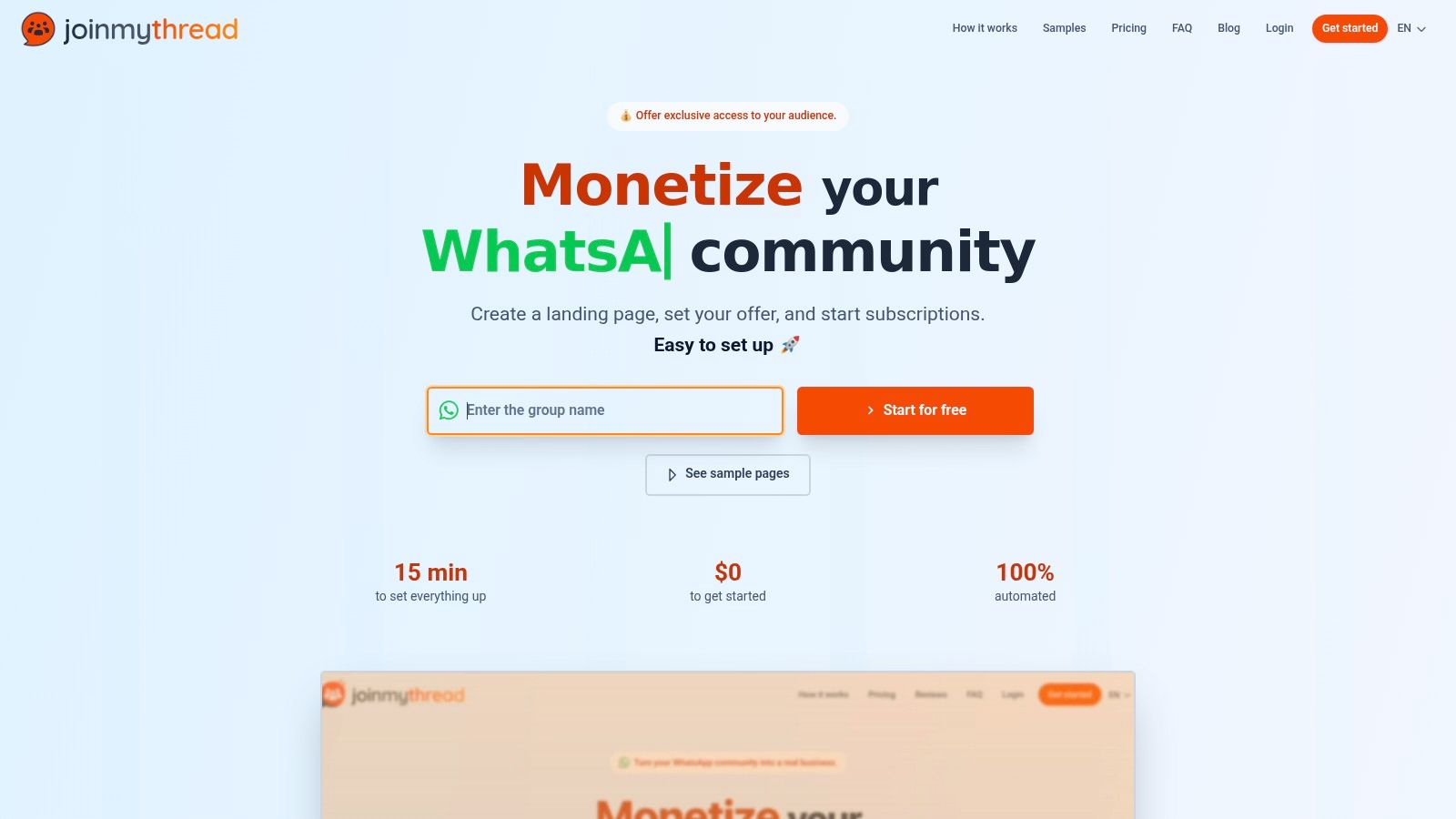
Join My Thread emerges as a powerful, specialised freelance tool for a rapidly growing niche: monetising private communities. It provides an elegant, end-to-end solution for creators, coaches, and consultants who leverage WhatsApp and Discord groups to deliver premium value. Instead of wrestling with manual payment tracking and clunky onboarding processes, this platform fully automates the entire subscription lifecycle, positioning it as an indispensable asset for community-focused freelancers.
The platform's core strength lies in its simplicity and reliability. Freelancers can create a branded payment page, set a recurring subscription fee, and link their Stripe account in minutes. From there, Join My Thread manages everything. It handles secure payment processing, automatically sends invites to new paid members, and crucially, removes members automatically if their subscription lapses or a payment fails. This "set-and-forget" automation is its key differentiator, freeing freelancers to focus on delivering content rather than performing administrative tasks.
Key Use Cases & Implementation
- Coaching & Mentorship: A business coach can offer tiered access to a private WhatsApp group for Q&As, networking, and exclusive content, ensuring only active clients are present.
- Mastermind & Support Groups: Consultants can create premium, paid mastermind circles for peer support, with the platform ensuring the group remains exclusive and revenue is consistent.
Platform Analysis
| Feature | Assessment |
|---|---|
| Automation | Excellent. The automated onboarding and removal system is seamless and eliminates the primary pain point of managing paid groups manually. This is a significant time-saver and revenue protector. |
| Ease of Use | Excellent. The user interface is clean and designed for non-technical users. No coding or complex bot configuration is required, making it highly accessible. |
| Payments | Very Good. The direct Stripe integration ensures fast and secure payouts straight to the user's account. This builds trust and improves cash flow. |
| Platform Support | Good. While currently focused on WhatsApp and Discord, it serves the two largest platforms for private communities effectively. |
Practical Considerations
Pros:
- True Automation: Fully manages member access based on payment status, a critical feature for scalability.
- Rapid Monetisation: The simple payment page setup allows you to start generating revenue almost immediately.
- Direct Payouts: Funds go directly to your Stripe account, which is a trusted and efficient system.
Cons:
- Pricing Structure: The platform operates on a commission model on top of Stripe's standard processing fees. Users should calculate the total cost to ensure profitability.
- Platform Dependency: Your service is tied to WhatsApp/Discord policies and Stripe's regional availability.
Website:https://joinmythread.com/en
2. Freebe
Freebe is a powerful, all-in-one management tool specifically designed for freelancers operating within the French administrative system. It streamlines business operations by centralising quotes, invoices, and client management while automating crucial compliance tasks. Its core strength lies in its deep integration with the French regulatory framework, making it an indispensable asset for micro-entrepreneurs and other common company structures.
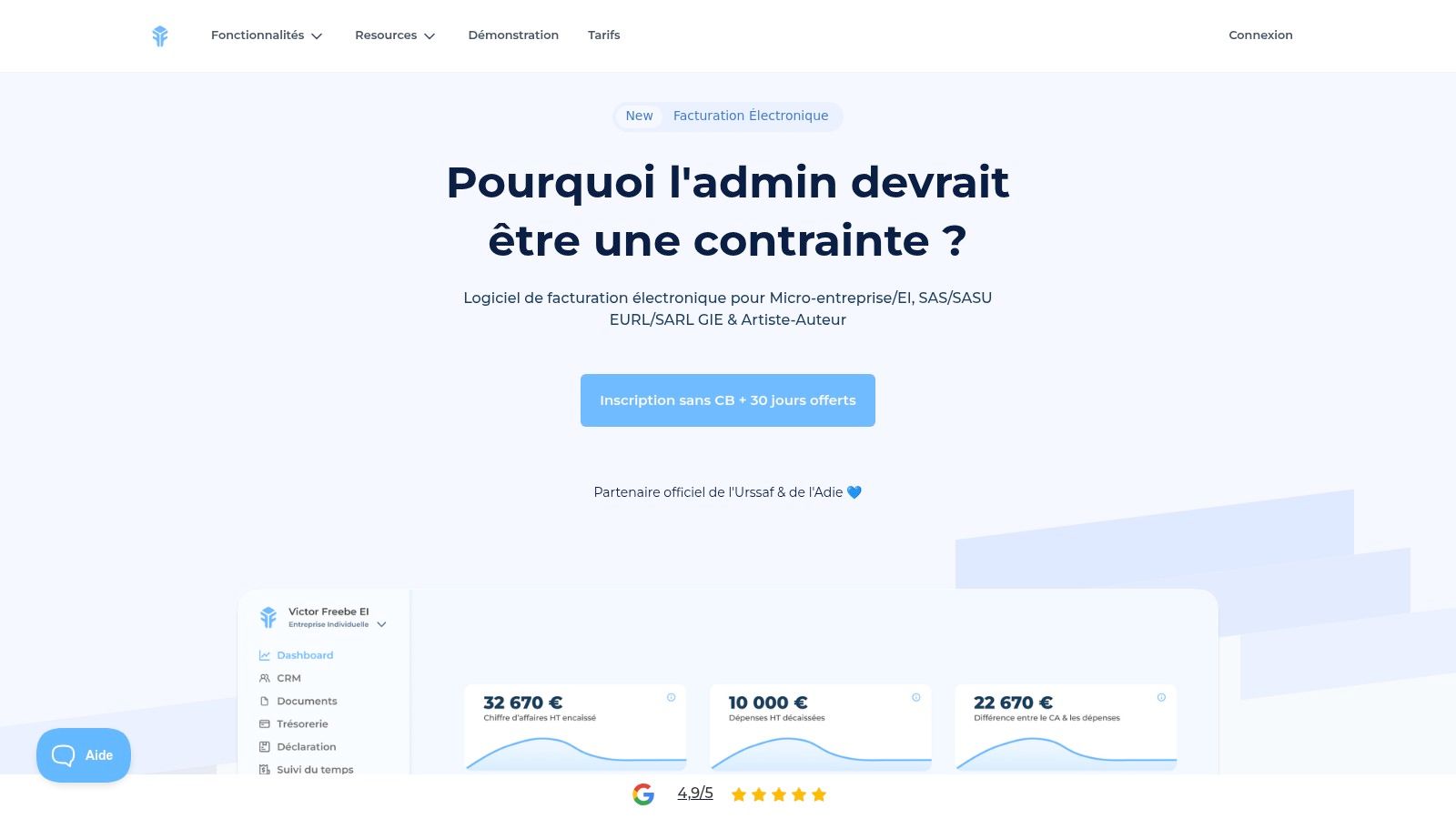
This platform stands out by directly connecting to URSSAF, automatically pre-filling revenue declarations and saving freelancers hours of administrative work each quarter. The ability to sync with your bank account provides a real-time view of your cash flow, simplifying financial tracking and record-keeping for tax purposes. It’s one of the few freelance tools that truly understands and automates the nuances of French bureaucracy.
Key Features and Pricing
Freebe’s offering is straightforward, focusing on providing everything a French freelancer needs without complex tiers.
- Best For: Freelancers in France (micro-entrepreneur, EI, SASU/EURL) needing to automate their financial and administrative declarations.
- Key Features: Unlimited quotes and invoices, bank account synchronisation, automated URSSAF revenue declarations, and Stripe integration for payments.
- Pricing: Freebe offers transparent, flat-rate pricing with a 30-day free trial that doesn’t require a credit card.
- Pros: Specifically built for French compliance, strong user ratings, and very simple pricing.
- Cons: Its utility is almost exclusively for those based in France.
For any freelancer navigating the French system, Freebe is a must-consider tool that replaces guesswork with automated precision.
Website:https://www.freebe.me/
3. Indy
Indy is a comprehensive accounting and tax software designed for French freelancers and small companies. It goes beyond simple invoicing to offer a full suite of automated bookkeeping, bank synchronisation, and tax filing capabilities. Its primary advantage is its ability to handle complex French administrative requirements, effectively aiming to replace the need for a traditional accountant for many standard business structures.
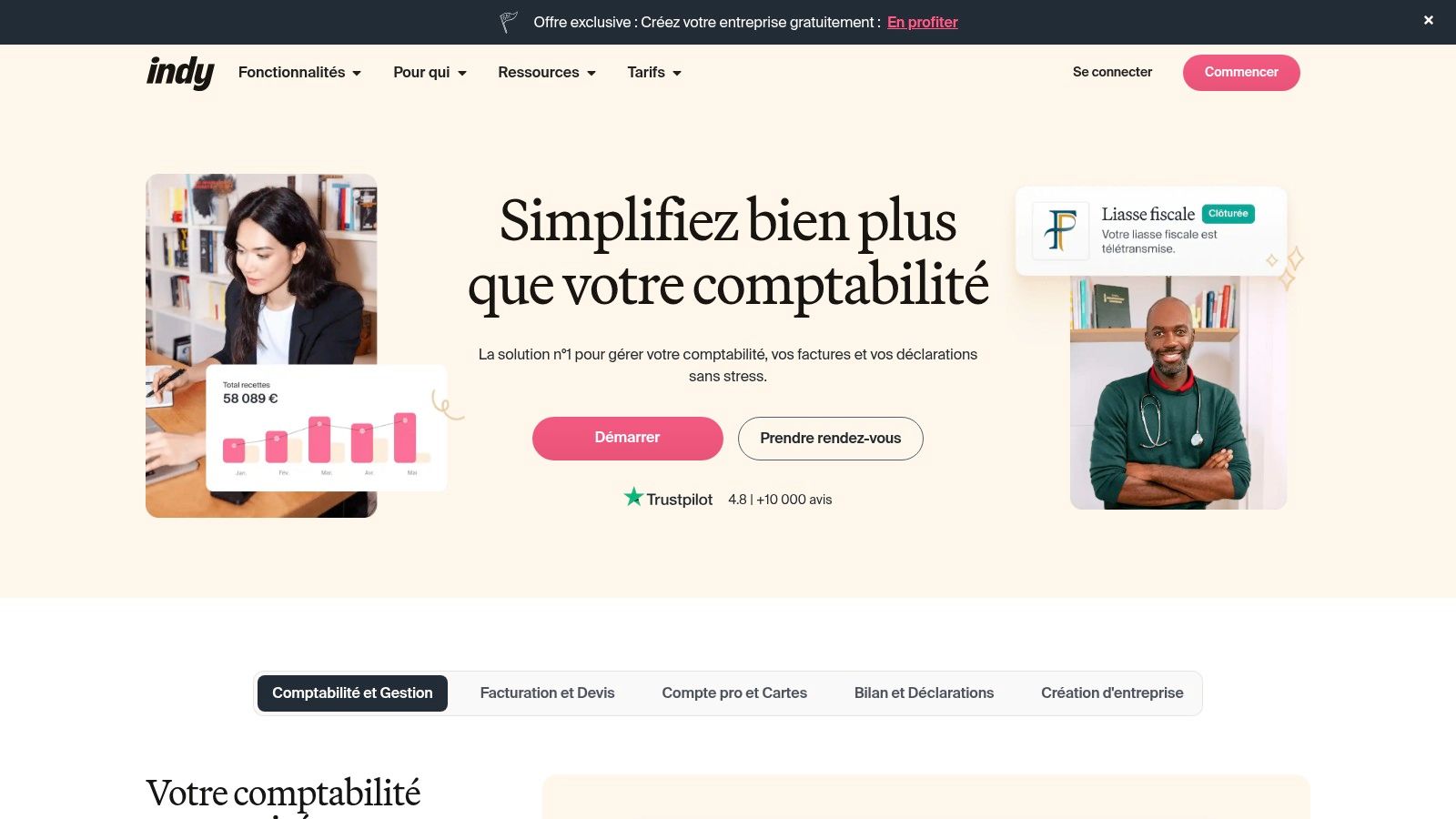
The platform stands out by automating the generation and e-transmission of official tax documents (like the liasse fiscale and TVA declarations) directly to the tax authorities. Indy monitors your revenue thresholds, alerting you when you are approaching the limits for TVA or the micro-entrepreneur regime. This proactive management makes it one of the most powerful freelance tools for ensuring long-term compliance and financial health within the French system. For those interested in the business models behind such platforms, you can learn more about how Indy operates as a specialised SaaS solution .
Key Features and Pricing
Indy provides scalable plans that grow with a freelancer's business, from basic bookkeeping to complete tax management.
- Best For: French freelancers and company owners (BNC, SASU, EURL) who want to automate their accounting and official tax declarations.
- Key Features: Automated bookkeeping, bank synchronisation, advanced invoicing, and e-filing for key tax returns (TVA, liasse fiscale ).
- Pricing: Offers tiered plans, including a free version for basic needs and premium tiers for advanced features and complete tax filings.
- Pros: Specialist support for French compliance (FEC/EDI), scalable pricing model, and can significantly reduce accountancy costs.
- Cons: Primarily beneficial for users within the French tax system; critical features like e-filing require paid subscriptions.
Indy is an excellent choice for independent professionals in France seeking an all-in-one, automated solution to manage their financial and tax obligations with confidence.
Website:https://www.indy.fr/
4. Shine
Shine is a French professional online bank designed specifically for freelancers and small businesses. It merges a modern business account with essential administrative tools, simplifying financial management for independent professionals. The platform's core value lies in its seamless integration of banking services with built-in invoicing, expense tracking, and compliance features tailored to the French system.
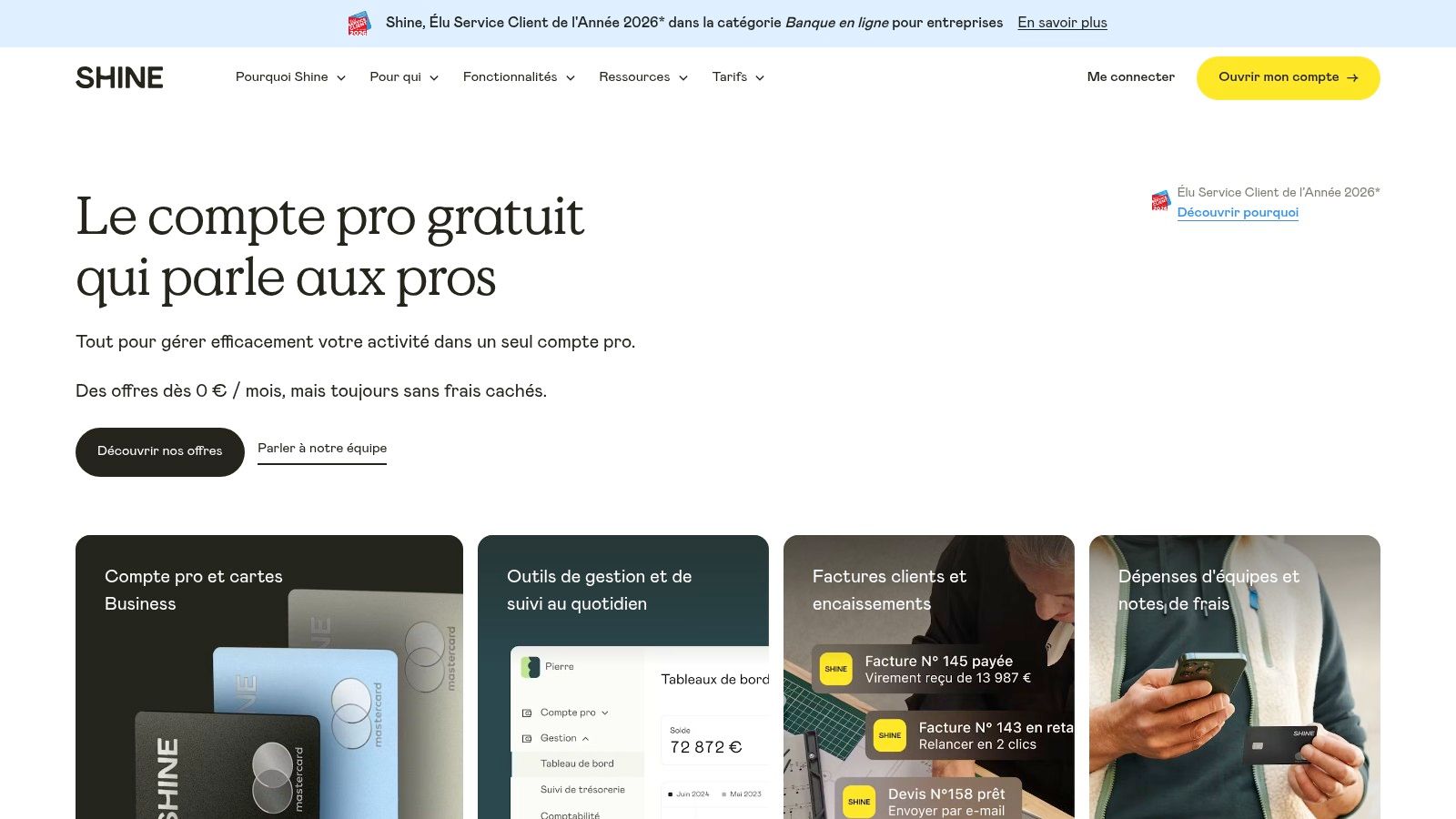
This neobank stands out by providing an all-in-one financial hub that goes beyond simple transactions. Users can create and send compliant quotes and invoices directly from the app, track payments in real-time, and receive reminders about important administrative deadlines. By centralising these functions, Shine helps reduce the mental load associated with financial admin, making it one of the most practical freelance tools for managing money and paperwork in France.
Key Features and Pricing
Shine structures its plans to grow with a freelancer's needs, starting with a free option for basic banking.
- Best For: Freelancers and small business owners in France seeking an integrated professional bank account and administrative toolset.
- Key Features: Professional IBAN, virtual/physical Mastercards, built-in invoicing with payment reminders, real-time expense tracking, and charge estimators for tax planning.
- Pricing: Offers several tiers, including a free plan for basic use and paid plans (starting from €7.90/month) that unlock more advanced features, higher transaction limits, and insurance options.
- Pros: Fast online onboarding, freelancer-friendly user experience, and a powerful combination of banking and admin tools.
- Cons: Advanced features are locked behind paid tiers, and its services are primarily focused on the French market.
For French freelancers who want their bank to do more than just hold their money, Shine offers a compelling and modern solution.
Website:https://www.shine.fr/
5. Malt
Malt is a prominent freelance marketplace, originating in France, designed to connect skilled freelancers with high-quality clients, from startups to large enterprises. It acts as a comprehensive ecosystem, managing everything from client discovery and contracting to automated billing and payments. Its primary advantage lies in providing a secure and structured environment that includes professional liability insurance for every project facilitated through the platform, adding a crucial layer of protection.
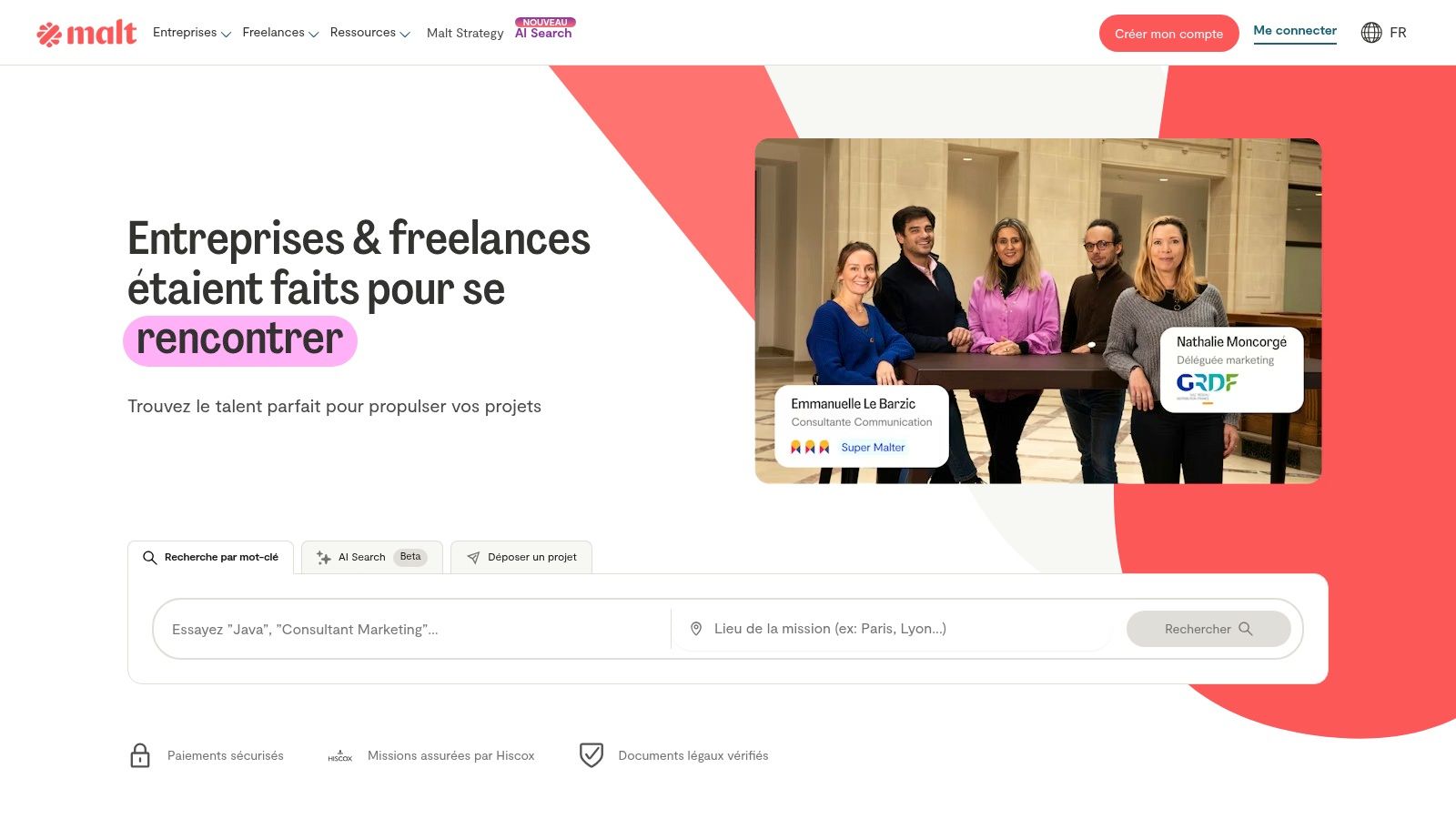
The platform stands out by focusing heavily on the European market, giving freelancers access to a robust network of French and EU-based companies. Malt simplifies administrative burdens by automating invoicing and expense management, allowing freelancers to concentrate on their core work rather than paperwork. For those looking to work with larger organisations, services like Malt Strategy offer direct access to enterprise-level projects, making it one of the more versatile freelance tools for client acquisition.
Key Features and Pricing
Malt’s structure is built around facilitating secure and valuable connections, with fees deducted from successfully completed projects.
- Best For: Freelancers in Europe seeking access to a curated marketplace of clients, including large corporations, with built-in administrative and insurance support.
- Key Features: AI-assisted client matching, automated invoicing and expense notes, included professional liability insurance, and specialised services for enterprise clients (Malt Strategy).
- Pricing: Free to create a profile and search for missions. Malt charges a service fee on projects, which varies based on the client relationship and engagement duration.
- Pros: Strong client base in France and the EU, streamlined administrative processes, and included insurance coverage reduces risk for both parties.
- Cons: Marketplace fees apply to earnings, and there is significant competition for popular skill sets, requiring a well-optimised profile to succeed.
For freelancers aiming to tap into the European corporate market, Malt provides a trusted and efficient pathway to secure high-value work.
Website:https://www.malt.fr/
6. Notion
Notion is the ultimate all-in-one workspace that replaces multiple apps with a single, highly customisable platform. For freelancers, it serves as a central hub for organising everything from project timelines and task lists to client portals and internal documentation. Its strength lies in its flexibility, allowing you to build the exact system you need, whether it's a simple to-do list or a complex client relationship manager (CRM).
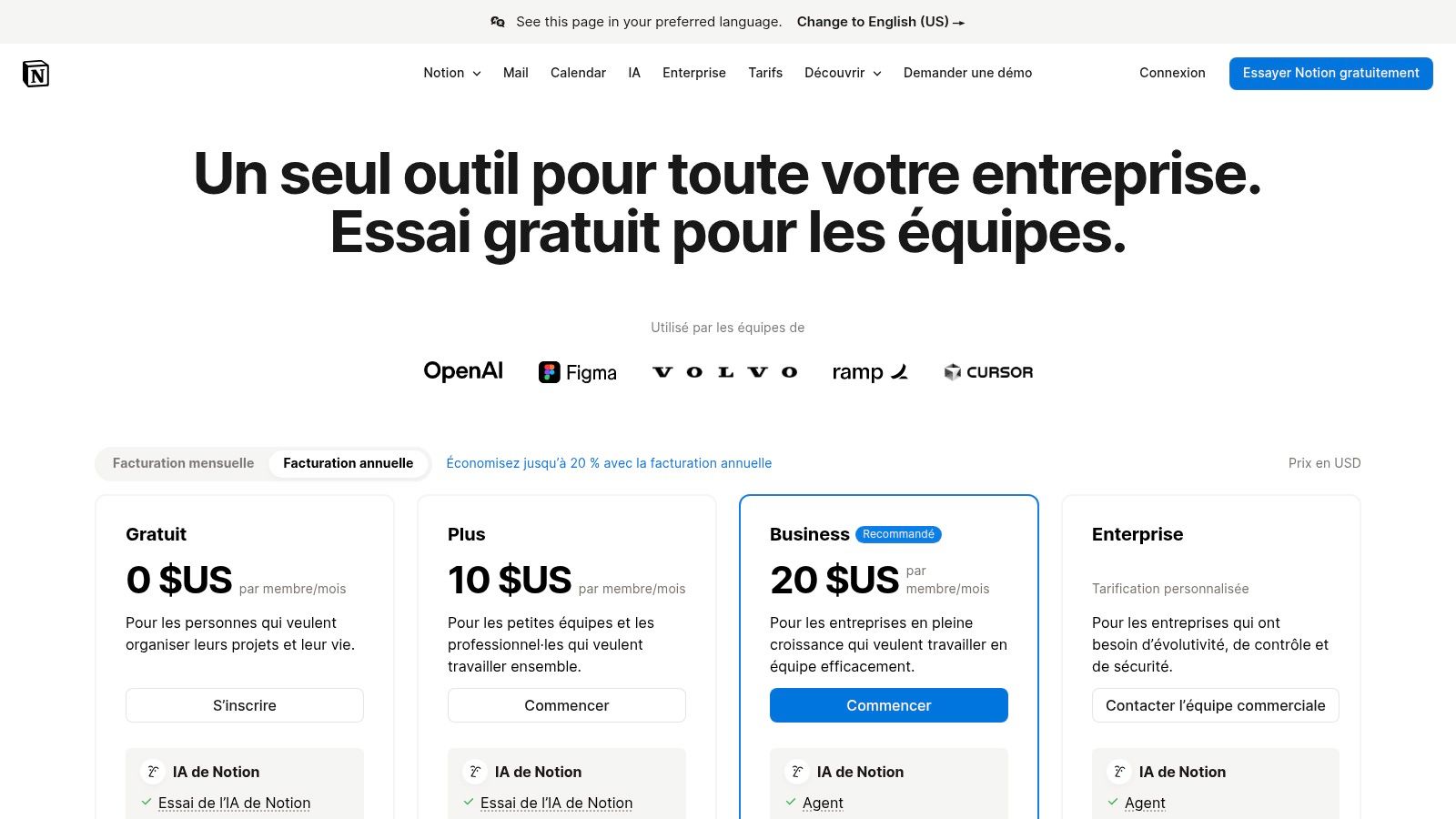
This platform stands out because it combines documents, databases, and collaborative tools into interconnected blocks. You can create a client proposal that links directly to their project tasks and invoices, all within the same ecosystem. The vast library of community-created templates means you don’t have to start from scratch, making Notion one of the most adaptable freelance tools for building bespoke workflows and improving client communication.
Key Features and Pricing
Notion’s tiered structure allows freelancers to start for free and scale as their business requirements grow.
- Best For: Freelancers who need a single, customisable space to manage projects, clients, and internal knowledge.
- Key Features: Flexible pages and databases for docs and CRMs, powerful collaboration with guest sharing, extensive template library, and optional Notion AI features.
- Pricing: A generous free plan is available. Paid plans include Plus and Business tiers, which offer more advanced features like increased guest access and version history.
- Pros: Extremely customisable to fit any workflow, huge community support with countless templates, and a competitive free tier.
- Cons: Offline capabilities are limited to recently viewed pages, and advanced permissions are locked behind higher-priced enterprise plans.
For freelancers looking to consolidate their tools and create a unified command centre for their business, Notion offers unparalleled versatility.
Website:https://www.notion.so/pricing
7. Canva
Canva is a versatile, browser-based design suite that has become essential for freelancers who need to create professional-quality visuals without a steep learning curve. It empowers users to quickly produce everything from social media posts and client proposals to presentations and marketing assets. Its core strength lies in its vast library of templates and an intuitive drag-and-drop interface, making it one of the most accessible freelance tools for design.
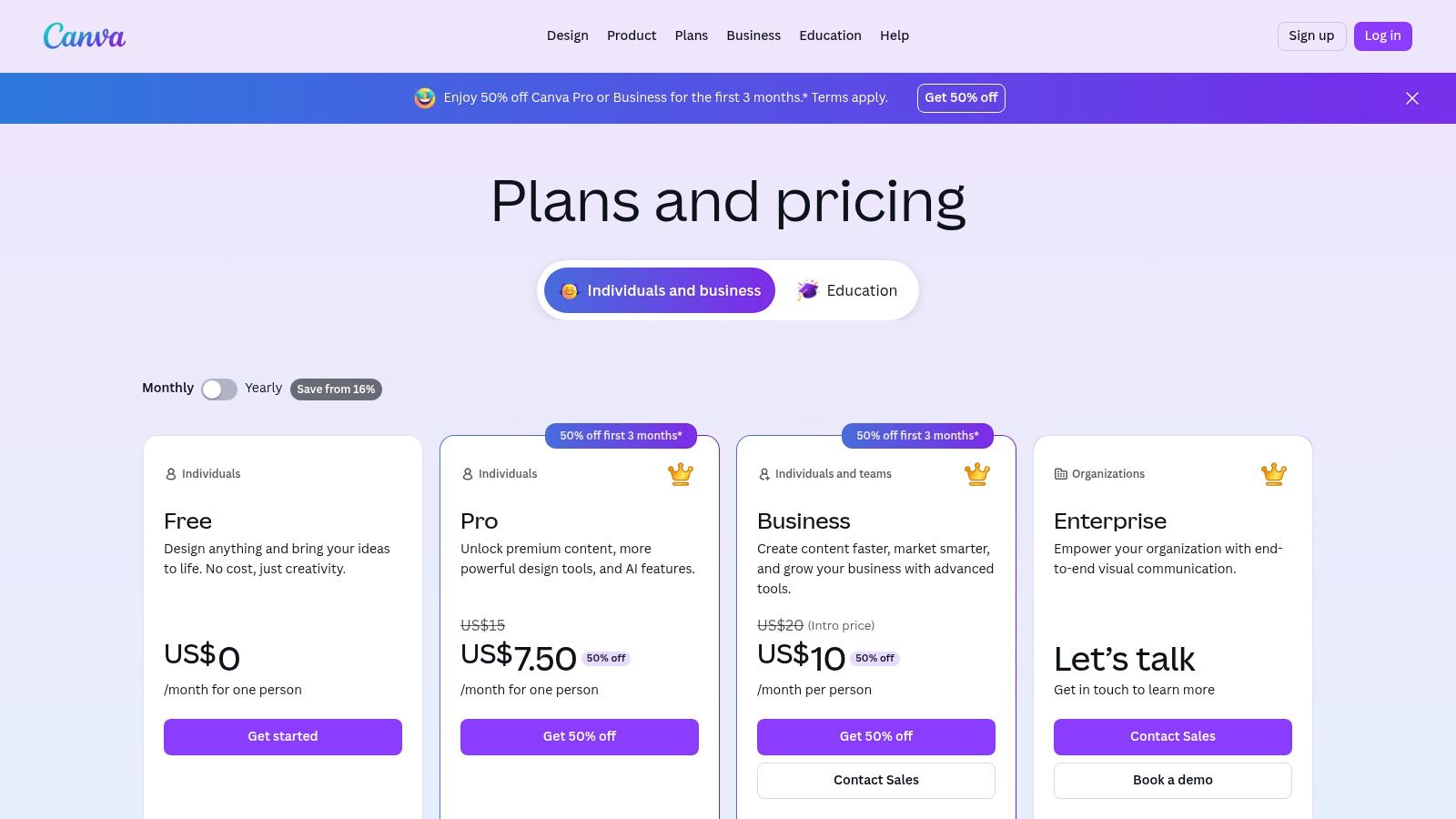
This platform stands out by democratising design. Freelancers can leverage brand kits to maintain client consistency, use AI-powered features to speed up workflows, and collaborate with clients in real-time using commenting features. Instead of investing in complex software, users can produce polished work in minutes. For those managing communities or creating digital products, Canva is invaluable for generating promotional graphics, course materials, and lead magnets efficiently.
Key Features and Pricing
Canva's tiered model allows freelancers to start for free and scale up as their needs become more sophisticated.
- Best For: Freelancers and content creators needing to produce a wide range of professional visuals quickly, from social media content to client proposals.
- Key Features: Huge template and media libraries, brand kit support, AI design and video tools, background remover, and collaborative commenting.
- Pricing: Offers a robust free tier, with a Pro plan for individuals and a Teams plan for collaborative work.
- Pros: Extremely fast and easy to use, strong template ecosystem for consistent branding, and simple sharing and export options.
- Cons: Advanced features and premium assets are gated behind a Pro subscription, and VAT/taxes are applied at checkout.
Canva is a non-negotiable tool for the modern freelancer, bridging the gap between professional design and accessibility.
Website:https://www.canva.com/pricing/
8. Adobe Creative Cloud
Adobe Creative Cloud is the industry-standard suite of applications for creative professionals, encompassing everything from graphic design and video editing to web development. For freelancers in creative fields, proficiency with these tools is often a client expectation, making a subscription a near-necessity. The suite provides a comprehensive ecosystem of powerful, interconnected apps like Photoshop, Illustrator, Premiere Pro, and InDesign.
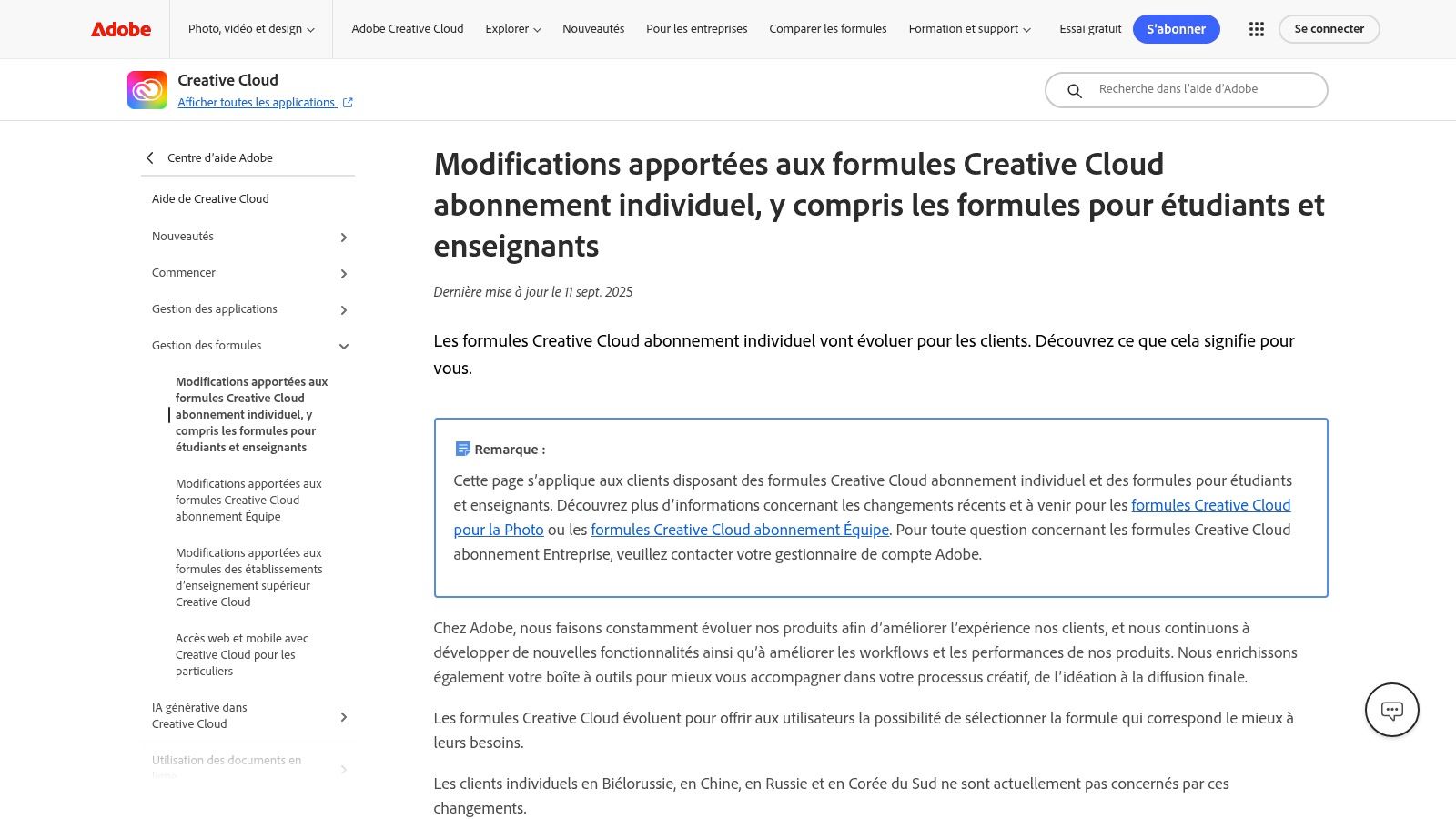
What sets Creative Cloud apart is not just the depth of each individual programme but how seamlessly they integrate with one another. This allows for a fluid workflow from one creative task to the next. The inclusion of Adobe Express and Firefly AI credits in modern plans adds powerful, time-saving capabilities for generating quick assets and exploring creative ideas, positioning it as a forward-thinking choice among freelance tools.
Key Features and Pricing
Adobe offers various subscription models to cater to different user needs, from single-app plans to the full collection.
- Best For: Creative freelancers (designers, video editors, photographers) who need access to the professional standard in creative software.
- Key Features: Full suite of creative desktop and mobile apps, cloud storage, Adobe Fonts, Adobe Express, and Firefly generative AI credits.
- Pricing: Varies significantly based on the plan (e.g., Photography, Single App, All Apps). Subscriptions are available for individuals, teams, and students, with pricing subject to regional variations and frequent updates.
- Pros: Industry-standard software recognised by clients worldwide, deep feature sets, and consistent updates with integrated AI.
- Cons: Represents a significant monthly expense compared to alternatives, and pricing models can be complex.
For freelancers whose work demands the highest level of creative capability and client compatibility, Adobe Creative Cloud remains an essential investment.
Website: https://helpx.adobe.com/lu_fr/creative-cloud/policy-pricing/plan-details-worldwide.html
9. Microsoft 365 (Business)
Microsoft 365 is the ubiquitous productivity suite that offers core applications essential for nearly any professional workflow. For freelancers, its Business plans provide the universally recognised tools of Word, Excel, and PowerPoint, alongside a professional email address, 1 TB of OneDrive cloud storage, and the powerful collaboration hub, Microsoft Teams. Its primary advantage is its seamless compatibility with the vast majority of corporate and small business clients, ensuring documents and communications are always accessible and professional.
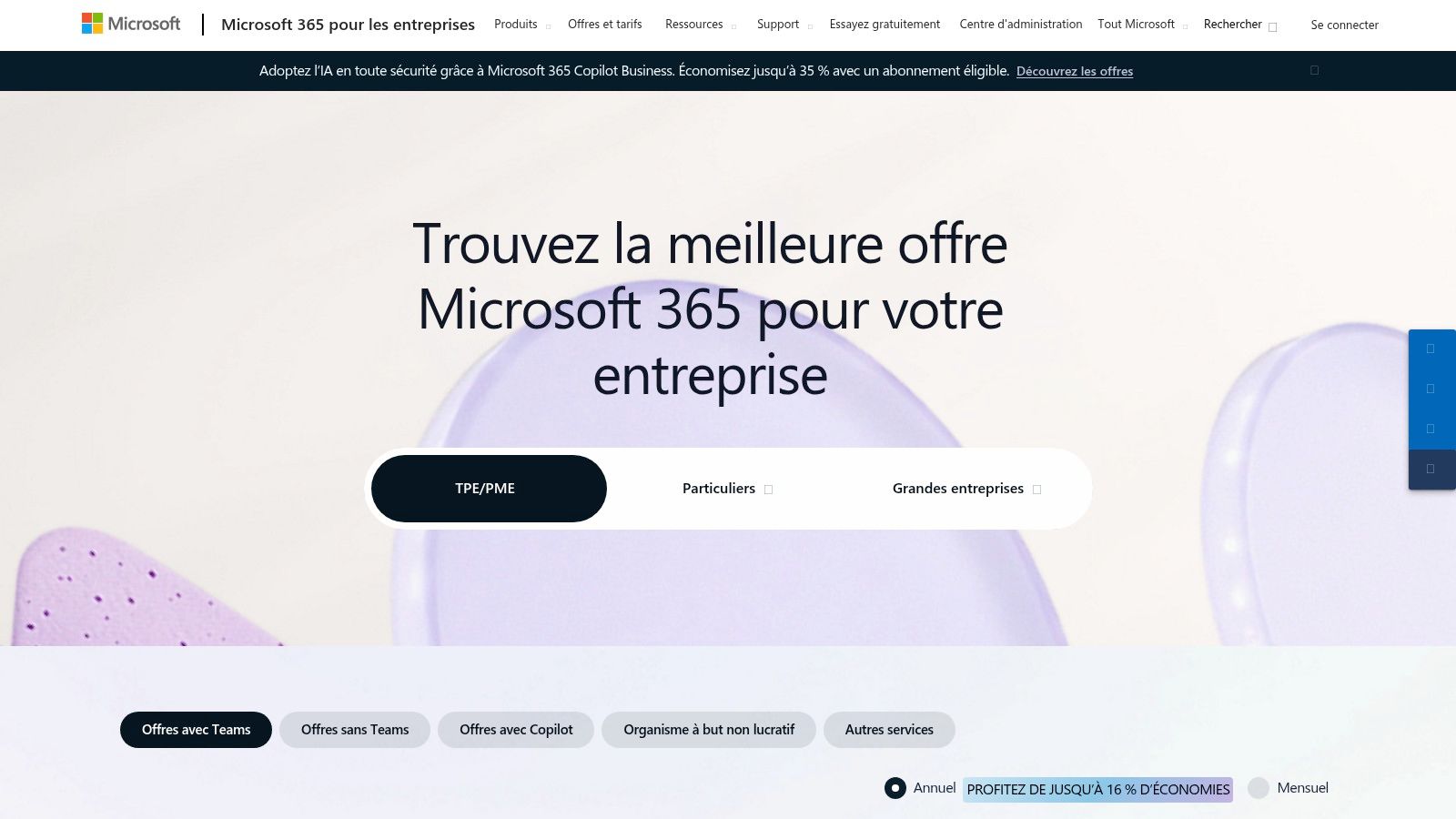
This suite stands out by bundling everything a freelancer needs to operate efficiently in a single, integrated ecosystem. The combination of professional email, robust cloud storage for project files, and Teams for client meetings makes it a comprehensive solution. The recent integration of the Copilot AI assistant (as an add-on) further positions it as a forward-thinking choice among freelance tools, helping to accelerate content creation and data analysis within familiar applications.
Key Features and Pricing
Microsoft 365 Business plans are tiered to meet different needs, from basic web apps to advanced security.
- Best For: Freelancers needing maximum compatibility with corporate clients and an all-in-one suite for documents, email, and collaboration.
- Key Features: Desktop and web versions of Office apps, professional email hosting, 1 TB of OneDrive storage per user, and Microsoft Teams.
- Pricing: Multiple Business tiers are available (Basic, Standard, Premium), with pricing that varies based on the included applications and security features. Copilot is an additional monthly subscription.
- Pros: Widespread client compatibility and trust, competitive pricing for small businesses, and a fully integrated ecosystem.
- Cons: Advanced features like Copilot and enhanced security come at an extra cost, and pricing is subject to periodic adjustments.
For freelancers prioritising professional appearance and interoperability, Microsoft 365 remains a foundational and reliable choice.
Website: https://www.microsoft.com/fr-fr/microsoft-365/business/microsoft-365-plans-and-pricing
10. Toggl Track
Toggl Track is a renowned time-tracking tool praised for its simplicity and reliability. It empowers freelancers to monitor billable hours across different projects and clients with just a single click. Its core strength lies in its effortless user experience and multi-platform availability, making it one of the most accessible freelance tools for accurately measuring where your time goes, ensuring you are compensated fairly for every minute of your work.
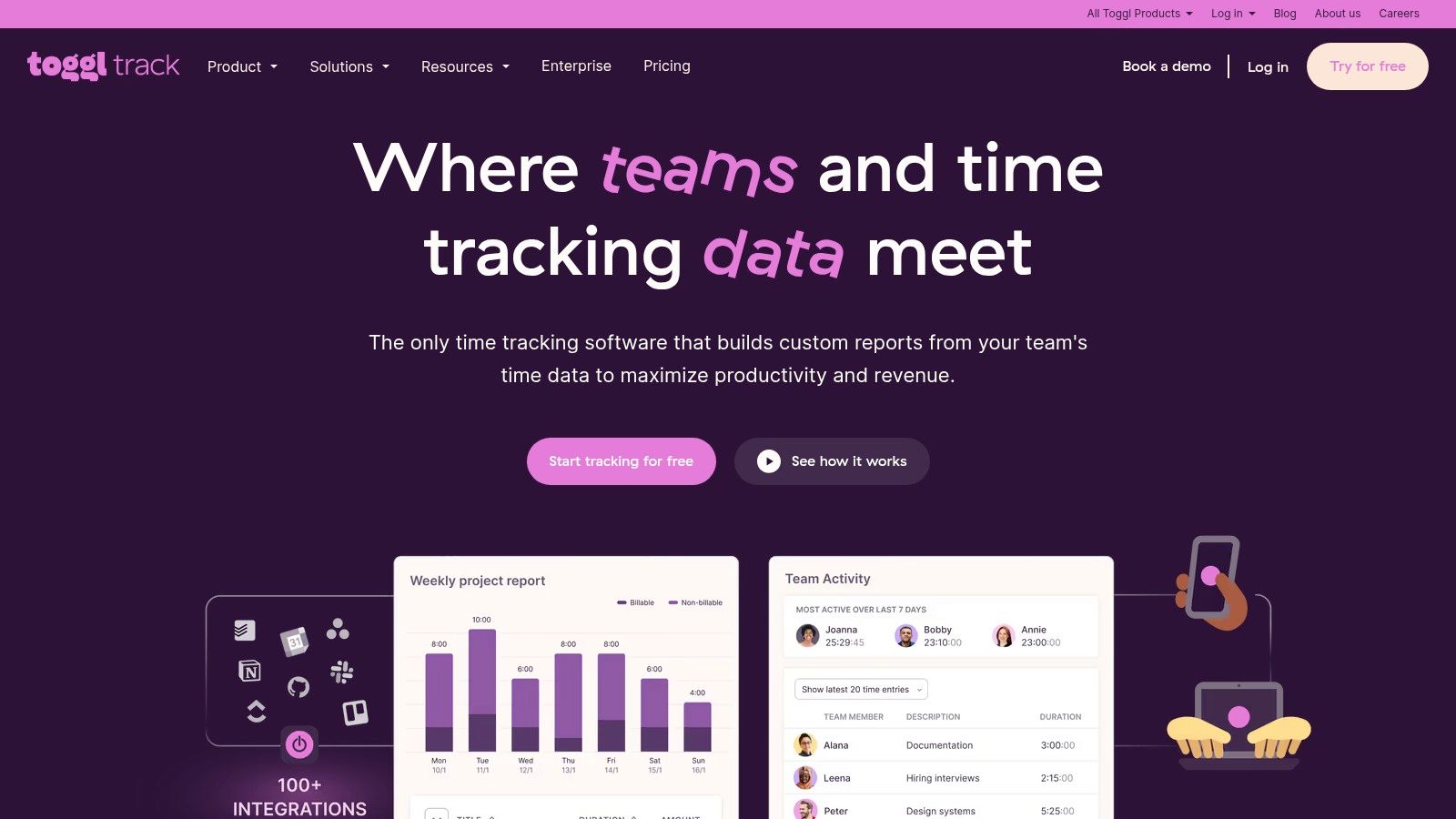
This platform stands out by removing friction from the time-logging process. With desktop apps, mobile apps, and browser extensions, you can start a timer from anywhere. Features like idle detection and timeline tracking help ensure your records are precise. The detailed reports generated are invaluable for invoicing, project profitability analysis, and client transparency, allowing you to export data cleanly to support your billing documents.
Key Features and Pricing
Toggl Track offers a generous free tier and scalable paid plans for growing needs.
- Best For: Freelancers and small teams needing a straightforward, no-fuss way to track billable hours and analyse productivity.
- Key Features: One-click project timers with tags, detailed reporting with billable rates, idle detection, and extensive integrations with tools like Asana, Trello, and Jira.
- Pricing: A robust free plan is available for up to 5 users. Paid plans start from $9 per user/month, adding features like billable rates and project time estimates.
- Pros: Extremely easy to use with a clean interface, generous free tier, and excellent multi-platform support.
- Cons: Does not have native invoicing or accounting features; it’s best paired with other dedicated tools for those tasks.
For any freelancer who bills by the hour, Toggl Track is an essential tool for maximising revenue and gaining insight into personal productivity.
Website:https://toggl.com/track/
11. Capterra France
Capterra France is a comprehensive software comparison portal that serves as a vital research hub for freelancers. It allows users to discover and evaluate a vast array of business tools, from project management and CRM to invoicing and accounting software, all through the lens of verified user reviews and detailed guides. Its primary strength is in providing an aggregated, unbiased starting point for any freelancer looking to invest in new technology.
This platform helps you cut through marketing noise by presenting side-by-side comparisons and user-generated feedback. For freelancers operating in the French market, its localised listings and filters are particularly valuable, ensuring that the software options are relevant and compliant with regional business practices. It’s an essential first stop to benchmark and shortlist potential freelance tools before committing to a purchase.
Key Features and Pricing
Capterra helps you make informed decisions by organising software options and user experiences in one place.
- Best For: Freelancers in France needing to compare different software solutions and read verified user reviews before making a purchasing decision.
- Key Features: Extensive software listings, user-submitted reviews and ratings, side-by-side comparison functionality, and detailed buying guides.
- Pricing: The platform is completely free for users to browse and compare software.
- Pros: Vendor-agnostic comparisons for objective research, strong coverage of the French market, and saves significant time when creating a tool shortlist.
- Cons: Its lead-generation model means paid vendors may receive higher visibility (this is disclosed), and you must visit vendor websites to confirm final pricing.
By leveraging Capterra, freelancers can efficiently navigate the crowded software market and select tools that genuinely fit their workflow.
Website:https://www.capterra.fr/
12. Amazon.fr
Amazon.fr serves as an unconventional yet highly practical marketplace for freelancers to acquire essential software. It offers instant-delivery digital codes for subscriptions to popular creative and productivity suites, such as Adobe Creative Cloud and Microsoft 365. This platform is an excellent choice for freelancers who prefer the consolidated billing of a major marketplace, want to take advantage of periodic promotions, or need immediate access to software activation codes without navigating multiple vendor websites.
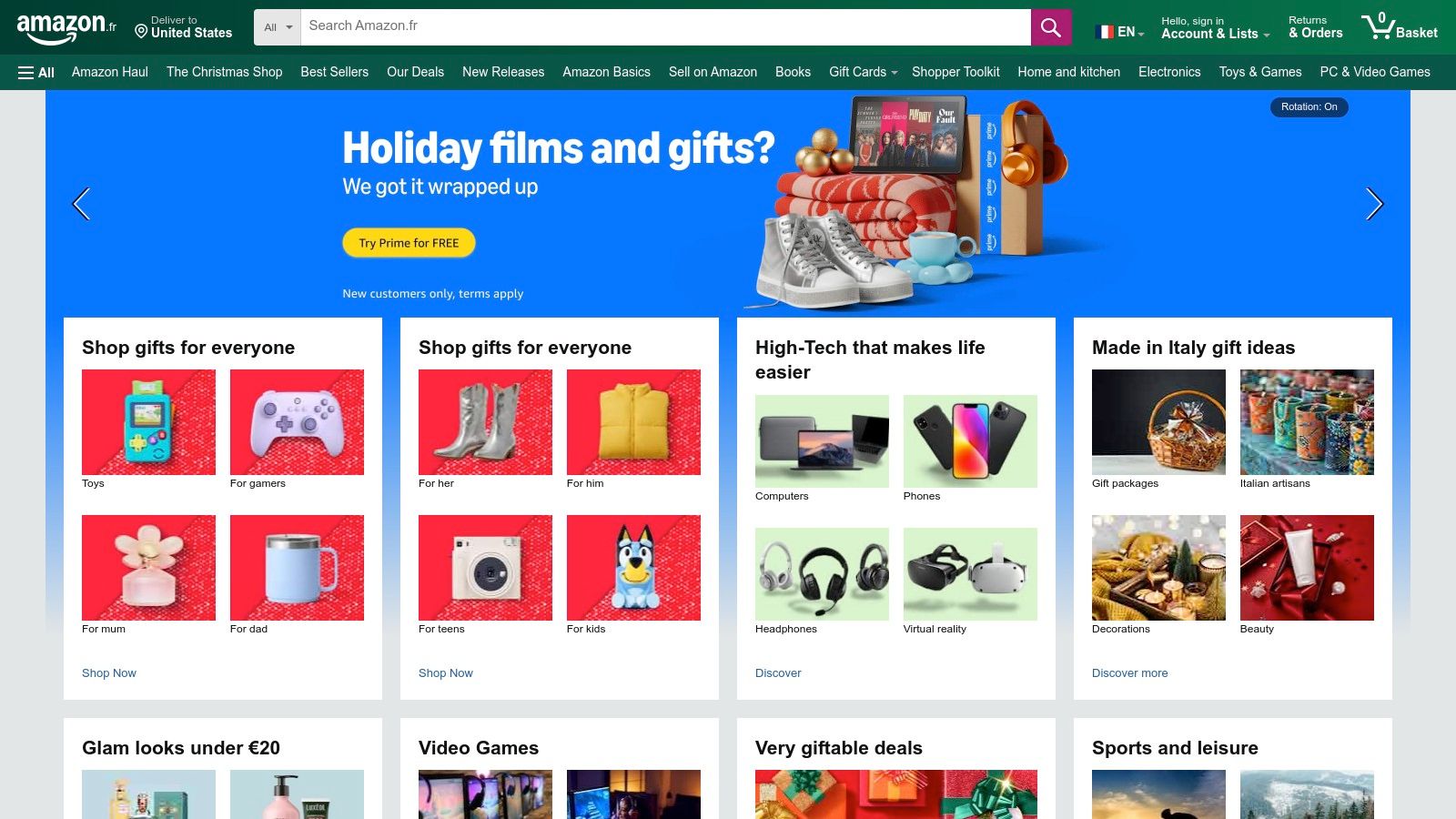
The primary advantage of using Amazon.fr for software is the potential for cost savings through special offers and bundled deals that may not be available directly from the software publisher. The familiar purchasing process and instant email delivery of activation keys streamline the setup process, allowing you to get up and running quickly. This method is one of the more straightforward freelance tools for managing software overhead, especially when you can time your purchase with a sale.
Key Features and Pricing
Pricing on Amazon.fr is dynamic and varies based on current promotions, making it a platform worth monitoring for deals on core business software.
- Best For: Freelancers looking for competitive pricing on key software subscriptions like Adobe CC or Microsoft 365 and who value instant digital delivery.
- Key Features: Digital delivery of software activation codes, customer reviews on product listings, and periodic discounts or multi-month bundle offers.
- Pricing: Variable; depends on the specific software subscription and active promotions. Often competitive with direct-from-vendor pricing.
- Pros: Competitive pricing and occasional promotions, familiar purchase experience with quick access to codes, and simplified billing through an Amazon account.
- Cons: Must ensure the product listing matches the correct region and software edition to avoid redemption issues. Redeeming codes can be complex if an active subscription is already running.
For the savvy freelancer, Amazon.fr can be a strategic place to purchase and manage the digital tools that power their business.
Website:https://www.amazon.fr/
Top 12 Freelance Tools Comparison
| Product | Core features | UX / Quality | Pricing & Value | Target audience | Unique selling points |
|---|---|---|---|---|---|
| Join My Thread | Automated onboarding/removal; Stripe integration; branded payment pages | No‑code, fast setup ★★★★☆ | Small platform commission + Stripe fees 💰 | Creators, coaches, community managers 👥 | ✨ End‑to‑end WhatsApp & Discord monetization; automated member sync |
| Freebe | Invoicing, bank sync, URSSAF declarations, Stripe | France‑focused admin UX ★★★★ | Transparent flat pricing; 30‑day trial 💰 | French freelancers (micro/EI/SASU) 👥 | ✨ URSSAF automation & France compliance |
| Indy | Automated bookkeeping, bank sync, tax filings | Tiered UX; specialist support ★★★★ | Free → premium tiers; filings on higher plans 💰 | Independents and small French companies 👥 | ✨ FEC/EDI compliance; aims to replace routine accountant |
| Shine | Business banking + invoicing, cards, sub‑accounts | Fast onboarding; freelancer UX ★★★★ | Free entry + paid tiers; banking fees 💰 | Freelancers needing integrated banking (FR) 👥 | ✨ Banking + admin tools in one app |
| Malt | Marketplace (client matches), automated invoicing, insurance | Strong client discovery UX ★★★★ | Marketplace service fees apply 💰 | Freelancers seeking EU/enterprise clients 👥 | ✨ Built‑in professional liability insurance |
| Notion | Pages, databases, CRM, templates, collaboration | Highly customizable ★★★★☆ | Generous free tier; paid for advanced features 💰 | Freelancers needing flexible workspace 👥 | ✨ Templates + client portal capabilities |
| Canva | Templates, media library, AI design & video tools | Fast, easy design ★★★★★ | Free + Pro/Business subscriptions 💰 | Creators needing quick visuals & assets 👥 | ✨ Large template library & AI tools |
| Adobe Creative Cloud | Photoshop, Illustrator, Premiere Pro, Express, Firefly | Deep professional toolset ★★★★ | Higher cost; multiple subscription options 💰 | Professional creatives and agencies 👥 | ✨ Industry‑standard apps + advanced features |
| Microsoft 365 (Business) | Word/Excel/PowerPoint, email, OneDrive, Teams, Copilot | Strong compatibility & collaboration ★★★★ | Business tiers; Copilot add‑on costs 💰 | Freelancers needing professional email & client compatibility 👥 | ✨ Ubiquitous productivity suite & enterprise features |
| Toggl Track | Timers, project tracking, reports, integrations | Simple, reliable multi‑platform UX ★★★★ | Clear per‑seat pricing; free tier 💰 | Freelancers tracking billable hours 👥 | ✨ Easy timers + detailed billable reports |
| Capterra France | Software listings, reviews, side‑by‑side comparisons | Helpful discovery & filters ★★★★ | Free to use for research 💰 | Buyers shortlisting French software 👥 | ✨ Vendor‑agnostic comparisons & buying guides |
| Amazon.fr | Digital delivery of activation codes & subscriptions | Familiar marketplace experience ★★★★ | Competitive promos and bundles 💰 | Buyers wanting instant codes/subscriptions 👥 | ✨ Instant code delivery & periodic discounts |
Building Your Perfect Freelance Stack
Navigating the vast landscape of freelance tools can feel overwhelming, but it's a crucial step in transforming your freelance practice from a simple side hustle into a streamlined, professional business. As we've explored, the goal isn't to accumulate the most subscriptions; it's to strategically assemble a personalised 'stack' that automates the mundane, elevates your work, and ultimately frees you to focus on what you do best. Your toolkit is the backbone of your business operations, directly influencing your efficiency, client perception, and profitability.
The journey from a solo operator juggling spreadsheets to a confident business owner is paved with smart tool adoption. Think of it as building a house. You start with a solid foundation, which, for many French freelancers, might be an all-in-one administrative platform like Freebe or Shine to handle the complexities of local regulations. From there, you add the structural elements: project management with Notion, time tracking with Toggl Track, and professional design assets with Canva or Adobe Creative Cloud. Each tool should solve a specific problem and integrate as smoothly as possible with the others.
From Individual Tools to an Integrated System
The true power of a well-chosen set of freelance tools emerges when they function not as isolated islands but as an interconnected ecosystem. Your client acquisition platform, like Malt, should feed directly into your project management system. Your time tracking data from Toggl Track should make invoicing through Freebe or Indy a matter of a few clicks. This level of integration eliminates redundant data entry, reduces the chance of human error, and provides a clear, real-time overview of your business health.
To achieve this, consider the following principles when evaluating your stack:
- Start with Your Biggest Pain Point: Identify the single most time-consuming or frustrating part of your freelance workflow. Is it creating proposals? Chasing payments? Organising project files? Find a dedicated tool that excels at solving that one problem.
- Prioritise Integration: Before committing to a new tool, investigate its integration capabilities. Does it connect with the other software you rely on? Look for native integrations or compatibility with automation platforms to create seamless workflows.
- Audit Regularly: Your needs will change as your business grows. Schedule a quarterly or biannual review of your software subscriptions. Are you still using every tool you pay for? Has a better alternative emerged? Don't be afraid to Marie Kondo your digital toolkit, keeping only what sparks joy (or at least, what delivers tangible value).
Evolving Your Stack for Growth and Community
As you establish your core freelance services, new opportunities for revenue and impact will appear. This is where your toolkit needs to evolve beyond simple operational efficiency. Perhaps you've built a strong reputation and now have followers who want to learn your methods. This is the perfect moment to consider community monetisation.
A tool like Join My Thread allows you to leverage your expertise by creating exclusive, paid communities on familiar platforms like WhatsApp or Discord. This isn't just another piece of software; it's a strategic addition that opens up a new, scalable revenue stream. It transforms you from a service provider into a community leader, coach, or mentor. By adding a community-focused tool to your stack, you're not just managing your business, you're building a brand and an asset that can generate income even when you're not actively working on client projects. The ultimate freelance toolkit supports not only where your business is today, but also where you want it to go tomorrow.
Ready to expand your freelance offerings beyond one-on-one services? Join My Thread provides the essential tool to monetise your expertise and build a paid community on platforms your audience already uses, like WhatsApp and Discord. Create a new, scalable revenue stream today by visiting Join My Thread to launch your community in minutes.